


Inclusive Inc
Mouse Mouse ولوحة المفاتيح إلى وحدة تحكم اللعبة لـ PS4 و PS3 و Xbox One و 360 و Nintendo Switch
£78.00
توافر المتجر
✓ متاح للاستلام
-
Inclusive Homebase - N Fort Myers Florida
2145 Cape Way, 33917, North Fort Myers, الولايات المتحدةعادة ما يكون جاهزًا خلال 24 ساعة
-
Designed by the Disabled
for the Disabled -
100% Satisfaction
Guarantee -
Lowest Cost Shipping
Quoted in Cart
So that is walking Use your QuadMouse or other adaptive mouse / keyboard controller as a game controller. Using the original game controller, you can map any game controller joystick movement or button to any mouse button or keyboard key. Compatible with
- Playstation 4, Playstation 3 (for PS5 add LeadJoy VX Adapter)
- Xbox Series X/S, Xbox One, Xbox 360
- Should work in combination with, plugged into Microsoft Xbox Adaptive Controller (needs to be tested to verify)
- Nintendo Switch
- Windows 11, 10, 7, Mac OS, Linux (Recognized as "Switch Controller")
- Any HID mouse controller, like our QuadMouse
- Any HID keyboard, including customizable keyboards such as with with 4, 8, or 16 buttons in various layouts
- Our USB Buttons and USB Single Foot Switch and USB Triple Foot Switches
- Our Versatility USB customizable Keyboard & Mouse Controller - supports up to 15 Ability Switches
Press F12+F11 simultaneously to switch to settings mode to map a connected wired usb game controller, or wireless with data cable to your desired keyboard and mouse functions. A blue light indicates your in settings mode.
Playing Mode: use keyboard and mouse to control the game, and the blue light setting indicator will be off.
When the USB devices require more than 1A, plug in a 5V 2A auxiliary power supply to USB-C port
Entering upgrade mode requires a software upgrade before the product will exit. CAUTION DO NOT enter upgrade mode without file downloaded and ready. To upgrade firmware: press F12+F10+ESC on keyboard simultaneously for 3 seconds - will enter upgrade mode with “white light” lit up.
Add-on Options or Complementary
-

Mouse Mouse ولوحة المفاتيح إلى وحدة تحكم اللعبة لـ PS4 و PS3 و Xbox One و 360 و Nintendo Switch (هذه الماده)
£78.00
-
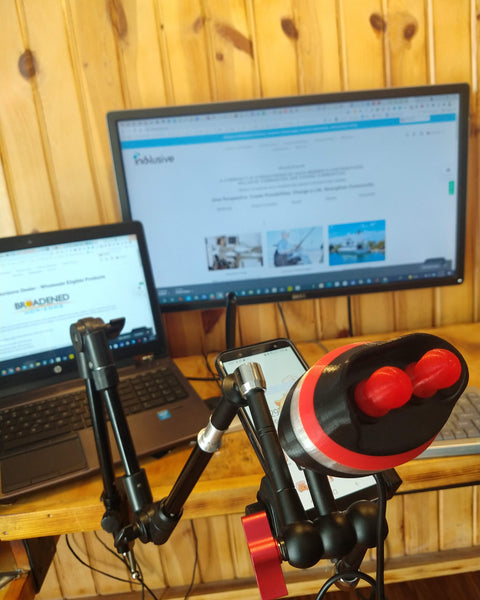
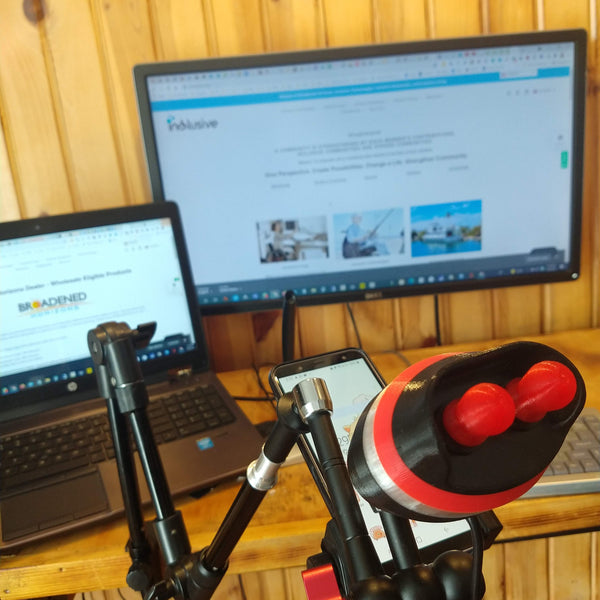
وحدة تحكم Quadmouse على جبل
£828.00
-
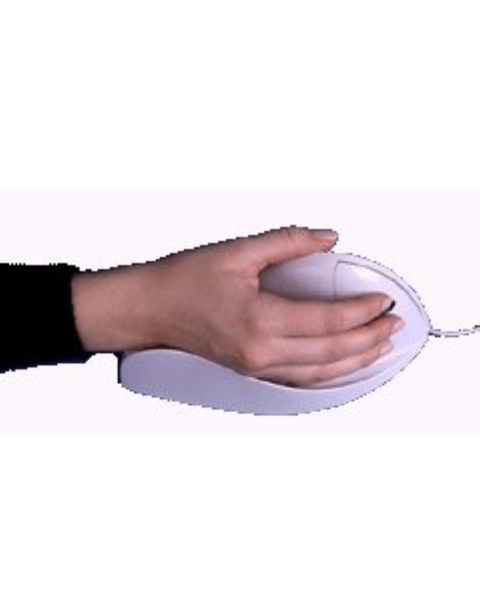
حزمة ماوس كمبيوتر رباعية غير قابلة للإمساك
£438.00
-
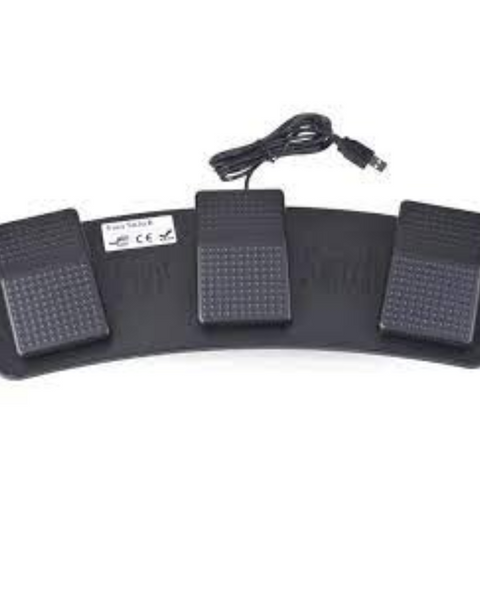
قبضة USB أو مفتاح القدم - انقر فوق ماوس أو أزرار وحدة تحكم اللعبة
سعر عادي
£119.00سعر البيع £78.00

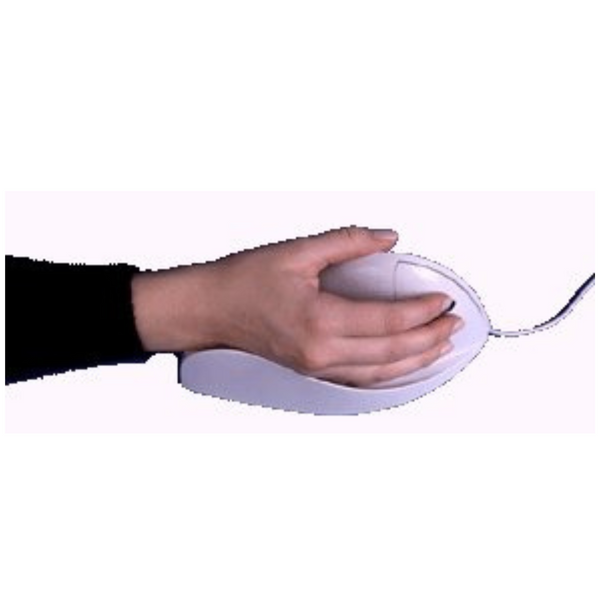
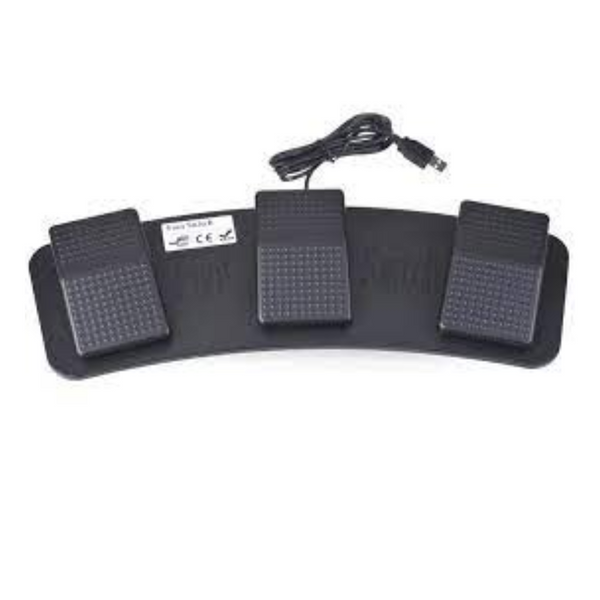
Description
So that is walking Use your QuadMouse or other adaptive mouse / keyboard controller as a game controller. Using the original game controller, you can map any game controller joystick movement or button to any mouse button or keyboard key. Compatible with
- Playstation 4, Playstation 3 (for PS5 add LeadJoy VX Adapter)
- Xbox Series X/S, Xbox One, Xbox 360
- Should work in combination with, plugged into Microsoft Xbox Adaptive Controller (needs to be tested to verify)
- Nintendo Switch
- Windows 11, 10, 7, Mac OS, Linux (Recognized as "Switch Controller")
- Any HID mouse controller, like our QuadMouse
- Any HID keyboard, including customizable keyboards such as with with 4, 8, or 16 buttons in various layouts
- Our USB Buttons and USB Single Foot Switch and USB Triple Foot Switches
- Our Versatility USB customizable Keyboard & Mouse Controller - supports up to 15 Ability Switches
Press F12+F11 simultaneously to switch to settings mode to map a connected wired usb game controller, or wireless with data cable to your desired keyboard and mouse functions. A blue light indicates your in settings mode.
Playing Mode: use keyboard and mouse to control the game, and the blue light setting indicator will be off.
When the USB devices require more than 1A, plug in a 5V 2A auxiliary power supply to USB-C port
Entering upgrade mode requires a software upgrade before the product will exit. CAUTION DO NOT enter upgrade mode without file downloaded and ready. To upgrade firmware: press F12+F10+ESC on keyboard simultaneously for 3 seconds - will enter upgrade mode with “white light” lit up.
F.A.Q
We will send tracking information to the e-mail address associated with your order once the item has shipped. If you have not received your tracking information and it has been over 2 business day, please contact us at (012) 123 - 4567
Related Products
Recently Viewed
Recently Wishlisted
Add on optional description to this section
Let customers speak for us

I’ll write something later, I’m still learning to work it efficiently.

Excellent
Excellent

This is at least the second of this model. My daughter has a power chair and uses it to get more time to use her iPad.

Excellent
Excellent


My son was paralyzed in an atv accident Aug 2020. He is 6'3" and 250. His injury is c6-c7. He feels so free and relaxed in the water but nobody had anything but regular life jackets so we would have to add a pool noodle to support his head and neck and a square flat float to hug in front. We also had a problem because he isn't a small man. Nothing that would allow his arms free so he could get some exercise. This life jacket has helped a lot. There are a few tweaks with the neck and crotch straps. If they weren't tight enough in the crotch area then his head could slip lower even though we had the neck piece as secured as we could. But the crotch straps when tightened too much they would be a little irritating and cause Autonomic Dysreflexia. I think I will try adding a pad of some sort around the straps. That was the only issue other than the cost, but we would pay anything to see that smile on his face! Now we just need to buy a pool for our own backyard so we don't have to go on vacation to swim. Thank You! I would highly recommend this life jacket. From a very happy mom that cried with happiness to see her son in a pool and able to move around.
I use it today for the first time. My son love it!

My husband who had been diagnosed with Bulbar ALS disease for 2 years at the age of 63 had all his symptoms reversed with Ayurveda medicine from naturalherbscentre. com after undergoing their ALS/MND natural protocol, he no longer requires a feeding tube. God Bless all Lou Gehrig’s disease Caregivers. Stay Strong, take small moments throughout the day to thank yourself, to love your self, and pray to whatever faith, star, spiritual force you believe in and ask for strength. I can personally vouch for these remedy but you would probably need to decide what works best for you.

I used a comfort carrier @ Disney and lost the case

RoboHandle Ergonomic Tool Handle


